Example: you type “lf ,kby”, Blin fixes it to “да блин”.
No more “ghbdtn”.
Blin notices when you’re typing in the wrong layout and fixes the word for you. It leaves passwords and the terminal alone.
Download for Mac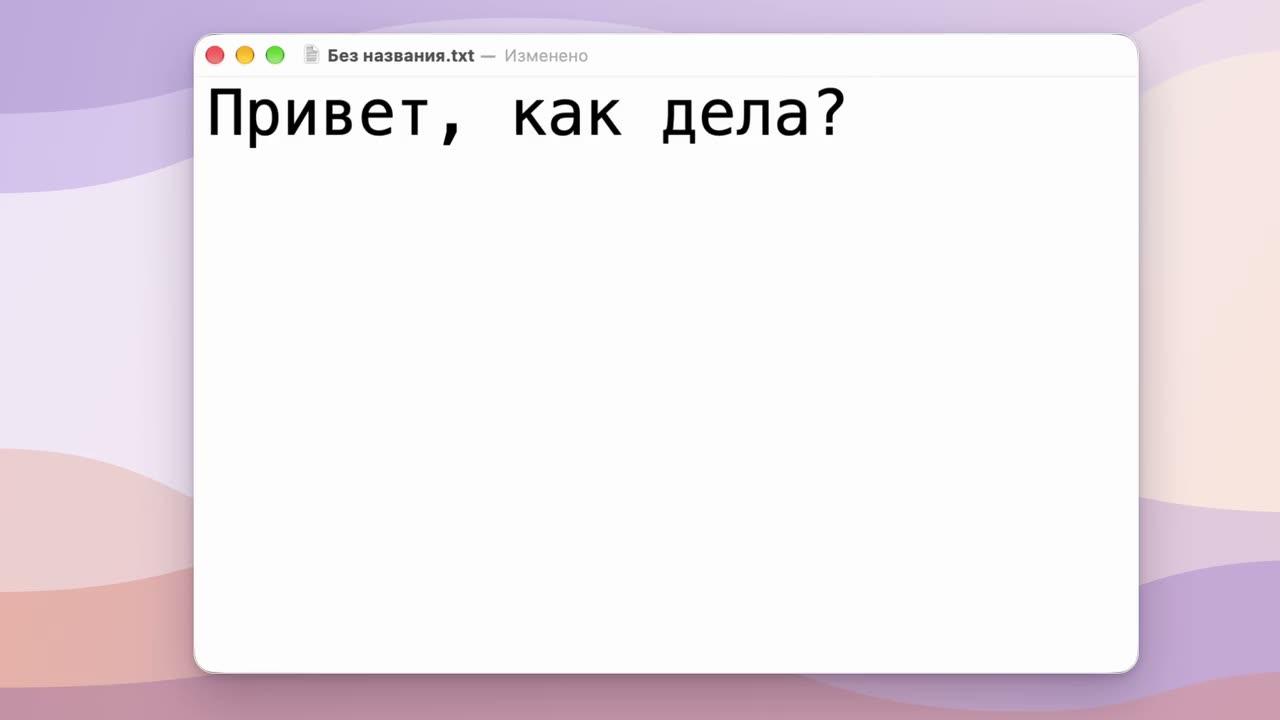
Transcript
In an empty text field, someone types “Ghbdtn” — the keyboard is still in English. As soon as a comma follows, Blin replaces the word with “Привет,” and switches the layout, so “как дела?” (“how are you?”) is typed straight in Russian.
Sound familiar?
Your head switches layouts a second after your fingers do.
Password
You type your password three times and get “incorrect” three times. On the fourth try you notice you were typing in Russian.
Chat
You sent your boss “ghbdtn? db;e jnxtn uj!jd”. Too late to delete it: it’s already been read.
Code
You type
git statusand get “пше ыефегы”. Worse still if a switcher “fixes” yourlsright in the terminal.Search
You search for “gjujlf vjcrdf” and get exactly what you typed.
Blin fixes chats and searches on its own. It leaves passwords, the terminal and code alone: there, not fixing beats breaking.
How it works
Type as usual.
Nothing to turn on. Blin only watches the current word, and all of it happens on your Mac.
Finish the word, and it’s fixed.
A word ends with Space, Return or punctuation. If it reads as a real word in the other layout, Blin erases what you typed, types it correctly and switches the layout. From then on you type in the right language.
Wrong fix? Press Shift twice.
The fix is undone, and Blin remembers the word. The same double Shift translates a word Blin skipped, and selected text.
What else it does
Short words go with the next one
A one-letter word is easy to mistake for a typo, so Blin waits for the next word and fixes both.
Whole selections
Select a paragraph typed in the wrong layout and press Shift twice or ⌥⇧Space. It doesn’t work everywhere: some Electron and Java apps, terminals and a few editors don’t share the selection.
Layout in the menu bar
Next to the clock you see the current layout: EN or RU. Blin can start when you log in, if you like.
Your own exceptions
Apps where Blin stays quiet and words it leaves alone. Both lists are in the settings window.
Compare it with your switcher
Five questions worth asking any automatic layout switcher. Blin’s answers:
- Does it send what you type to the internet?
- NoYour text never leaves your Mac. Blin only goes online for updates and licensing.
- Does it collect usage stats or crash reports?
- NoNo telemetry, no analytics.
- Does it store the words you asked it not to fix?
- NoOnly irreversible fingerprints, never the words themselves.
- Does it “fix” commands in the terminal?
- NoTerminals are excluded from the start, and in code editors Return and Tab don’t fix the word.
- Does it get in the way when you type a password?
- NoWhile secure input is on, Blin pauses and the menu bar shows 🔒.
Questions
Does Blin see what I type?
It sees the keys you press, or it couldn’t fix a word. Your text never leaves your Mac, and Blin doesn’t write it to its logs. More in the privacy policy.
Why does it need Accessibility access?
To see the keys you press, erase a word typed in the wrong layout and type it again, and to read selected text. On macOS all of this requires Accessibility access. Blin doesn’t ask for Input Monitoring separately.
Which Macs does it run on?
macOS 13 or later, on Intel and Apple Silicon. Layouts: English and Russian. The app itself is in English and Russian.
Can I keep my old switcher?
Better not: two switchers fix the same word and get in each other’s way. If Blin spots a switcher it knows, it will warn you.
What happens after 14 days?
If you don’t buy, automatic fixing turns off, while translating a word or a selection with double Shift and ⌥⇧Space keeps working. A licence is $15 a year for three Macs.
How do I uninstall Blin?
Turn off “start at login” in Blin’s settings, quit Blin from its menu and drag it from Applications to the Bin. You can also remove Blin from the Accessibility list: System Settings → Privacy & Security → Accessibility, the “−” button.
Never say “blin” again.
Blin (блин) is what Russian speakers mutter when they look up from the keyboard and see “ghbdtn” instead of “привет”. Blin fixes the word before you get the chance.
Download for Mac14 days free, then $15 a year for three Macs. Pricing details